AWS EKS now supports Kubernetes version rollbacks
Kubernetes upgrades are no longer a one-way door
For years, upgrading a Kubernetes control plane has been irreversible. Once you move from one version to the next, there is no going back. Open source Kubernetes does not support control plane rollback, which means every upgrade carries permanent risk. If something breaks after the upgrade, your options are limited: troubleshoot under pressure, rebuild the cluster from scratch, or live with the problem. None of these are appealing, especially when managing production workloads at scale.
This constraint has shaped how organizations approach Kubernetes upgrades. Teams build elaborate processes to reduce risk. Bake periods. Stagger groups. Automated sign-offs. Months-long upgrade cycles. These mechanisms exist because the cost of failure is so high. Without a way to reverse an upgrade, every version change becomes a high-stakes decision.
The Kubernetes community is working on this problem. KEP-4330 introduces emulated versions, which allow a cluster to behave as if it is running an older version while still operating on the new one. This approach helps ease rollback scenarios, but it keeps the cluster in a transitional state rather than returning it to a fully validated previous version. It is a step forward, but not a complete solution.
In regulated industries or environments with strict compliance requirements, the lack of rollback capability has led many teams to delay upgrades entirely. When you cannot recover from a failed upgrade, the safest choice often feels like not upgrading at all. This results in clusters running outdated versions, missing security patches, and eventually hitting end-of-life timelines. The longer teams wait, the harder the upgrade becomes.
Kubernetes releases three minor versions per year. For organizations managing hundreds of clusters, keeping up with this pace is difficult. Each upgrade requires coordination across teams, testing, and careful planning. When the process is high-risk and time-consuming, it becomes easy to fall behind. The problem compounds over time, and clusters drift further from supported versions.
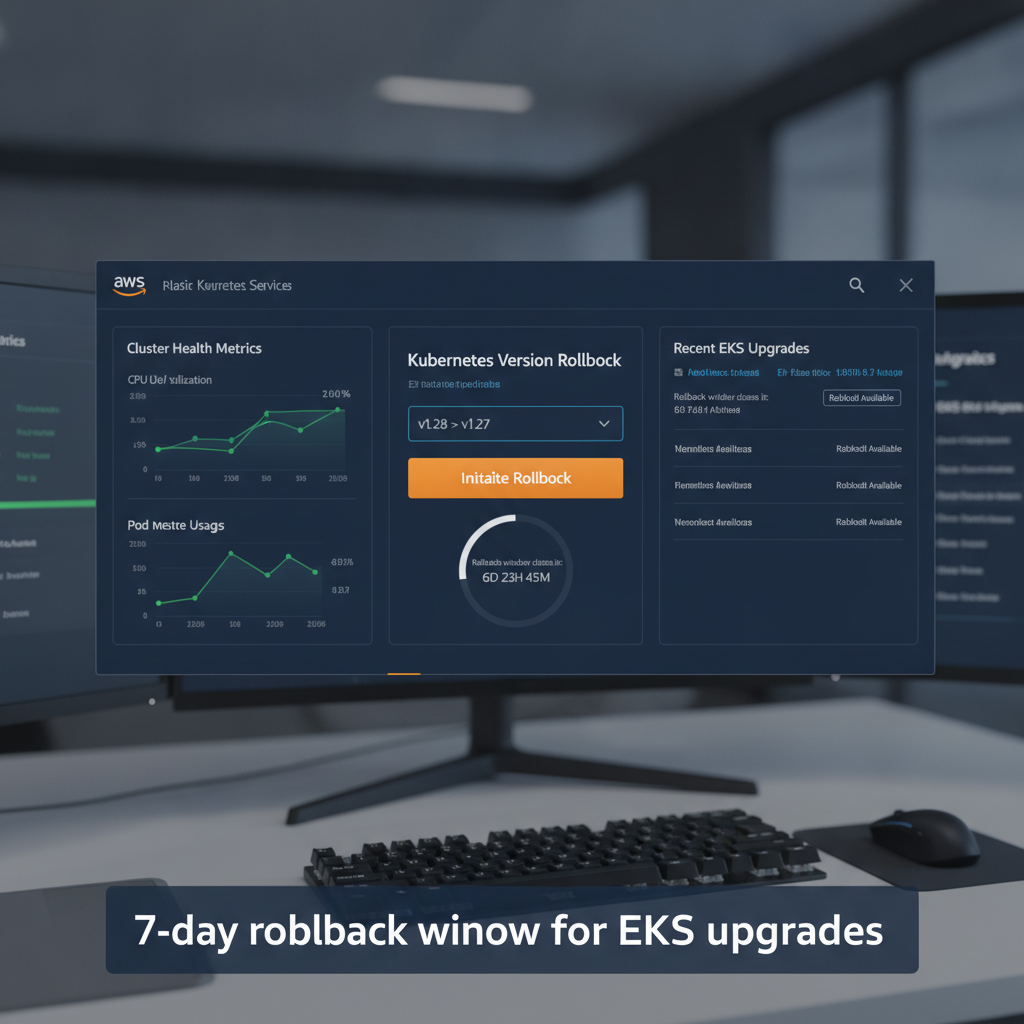
AWS has introduced version rollbacks for Amazon EKS, a feature that changes the calculus of Kubernetes upgrades. With this capability, cluster administrators can reverse a version upgrade within seven days if they encounter issues. The cluster returns to its previous working state—not an emulation, but the actual version that was running in production before the upgrade.
If you upgrade a cluster from Kubernetes 1.34 to 1.35 and discover a compatibility issue with a critical workload, you can roll back to 1.34. You do not need to rebuild the cluster. You do not need to scramble to fix the problem immediately. You have a seven-day window to assess the situation and decide whether to proceed or revert. This is a meaningful safety net.
The feature supports rolling back one minor version at a time, matching the incremental approach EKS uses for upgrades. This keeps the process predictable. You cannot roll back multiple versions at once, which prevents situations where the cluster state becomes difficult to reason about. The rollback follows the same version boundaries as the upgrade, maintaining consistency.
Before initiating a rollback, EKS evaluates the cluster's readiness through cluster insights. These insights flag potential issues like node version compatibility or add-on dependencies that could interfere with the rollback. This automated check reduces the risk of starting a rollback that cannot complete successfully. If you have already assessed the situation and want to proceed immediately, you can use the --force flag to bypass these checks.
For clusters running EKS Auto Mode, rollback works differently because both the control plane and managed nodes need to be rolled back together. EKS Auto Mode automates compute, networking, and storage management, which simplifies day-to-day operations but introduces additional considerations during rollback. Node rollbacks respect pod disruption budgets, so the process can take time depending on your configuration.
Rollback control and pod disruption budgets
To give operators control over the rollback process, AWS introduced a cancel API. If a node rollback is taking too long or you decide to change your approach, you can stop the rollback mid-process. This allows you to adjust disruption budgets to accelerate the rollback or choose a different path forward. The cancel API provides an escape hatch if the rollback is not progressing as expected.
By default, EKS never bypasses pod disruption budgets during a rollback. This prioritizes workload stability over speed. If your disruption budgets are conservative, the rollback will take longer, but your applications will remain available throughout the process. If you need to speed things up, you can modify or remove disruption budgets yourself. The choice is yours, but the default behavior is designed to protect running workloads.
The control plane rollback takes about 20 minutes, similar to a standard upgrade. During this time, the cluster remains functional. Workloads continue running, and the API server remains accessible. The rollback is not a disruptive event; it is a managed transition back to the previous version. For EKS Auto Mode clusters, the node rollback happens after the control plane is reverted, and it follows the same disruption budget rules as a normal node upgrade.
One important detail: the seven-day rollback window starts from the moment the upgrade completes. After seven days, the rollback option expires. This window is intentional. It gives teams time to test and validate the new version in production without leaving the cluster in an indefinite rollback-eligible state. If you need more time, you can delay the upgrade until you are ready to commit.
Version rollbacks are available at no additional cost. You pay only the standard EKS and compute costs you would normally incur. There are no extra charges for using the rollback capability. This makes the feature accessible to all EKS users without introducing new cost considerations.
Control plane rollbacks are available for all EKS clusters, regardless of how you manage your nodes. Node rollbacks are available specifically for clusters running EKS Auto Mode. The feature supports clusters on Kubernetes versions available in EKS standard support and extended support, so even clusters on older versions can take advantage of rollback when they upgrade.
Operational implications
This feature changes how teams can think about Kubernetes upgrades. The risk profile is different when you know you can reverse the change. You can upgrade with more confidence, knowing that a failed upgrade is not a permanent problem. This should reduce the friction around staying current with Kubernetes versions and make it easier to adopt security patches and new features.
For organizations that have been delaying upgrades due to risk, version rollback removes one of the primary barriers. You can upgrade a cluster, monitor it in production for a few days, and roll back if something unexpected happens. This makes it feasible to upgrade more frequently and stay closer to the latest supported versions.
The feature is available today in all commercial AWS regions where Amazon EKS is available. You can initiate a rollback through the EKS console or the AWS CLI. The process is straightforward: select the cluster, review the rollback insights, and confirm. The rollback begins immediately, and you can monitor progress through the console or API.
Kubernetes upgrades have always been a calculated risk. With version rollback, that risk becomes more manageable. You still need to test and plan, but you have a safety net if something goes wrong. For teams managing production Kubernetes clusters, that safety net matters.