ECS auto scaling now 4x faster with 20-second metrics
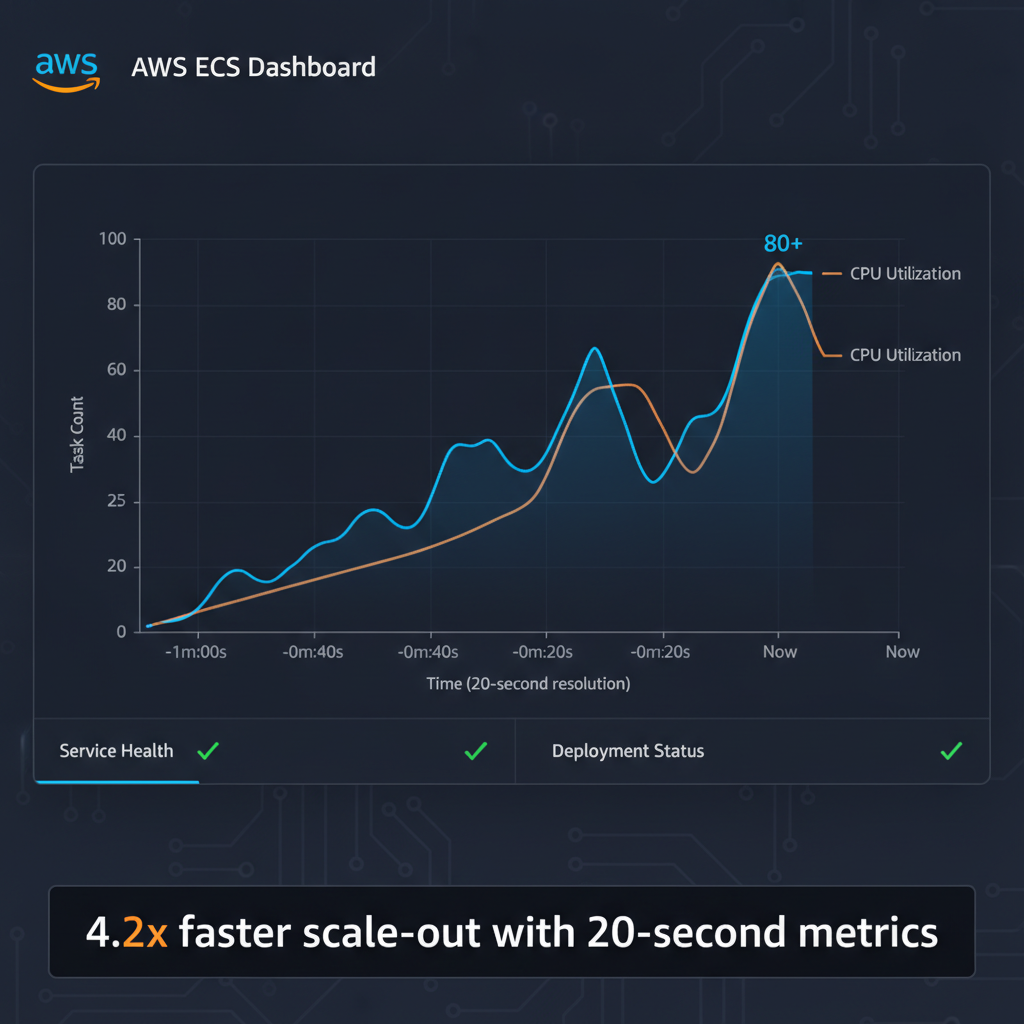
ECS Auto Scaling Just Got 4x Faster
Amazon ECS service auto scaling now detects and responds to load changes in seconds instead of minutes, thanks to new high-resolution metrics support. This isn't a minor tweak-the performance gains are substantial.
The Numbers
AWS benchmarking shows:
- Scale-out trigger time: 363 seconds → 86 seconds (76% faster)
- Total scale and provision time: 386 seconds → 109 seconds (72% faster)
- Overall speedup: 4.2x to 3.5x faster
Those aren't incremental improvements. They're the difference between handling a traffic spike gracefully and watching your application degrade under load.
What Changed
The core feature is simple: ECS now supports 20-second resolution metrics instead of relying solely on 60-second CloudWatch data. Target tracking policies can now react to demand changes in near real-time, evaluating scaling decisions every 20 seconds instead of waiting a full minute.
The engineering insight here is worth noting. Shorter metric intervals don't just speed things up linearly. They enable more aggressive scaling decisions because the system has fresher data. What previously required hand-tuned step-scaling policies (multiple thresholds, cooldown periods, manual complexity) now works with a simple target tracking rule.
Three Practical Wins
1. Right-size without guessing. You no longer need to overprovision baseline task counts as a buffer for traffic spikes. Since scale-out now happens fast enough to catch demand surges, you can run leaner. Lower baseline = lower baseline costs, period.
2. Better reliability during surges. Faster scaling means end users experience fewer timeouts and degraded performance during traffic spikes. Your application responds instead of buckling.
3. Simpler configuration. One target tracking policy with high-resolution metrics replaces the custom step-scaling logic many teams built to work around the 60-second metric lag. Less code, fewer edge cases, easier to reason about.
How to Enable It
The setup is straightforward across all ECS compute options: AWS Fargate, ECS Managed Instances, and EC2.
In the console:
- When creating or updating an ECS service, go to Monitoring configuration
- Add 20-second resolution metrics (this incurs additional CloudWatch costs)
- In Service auto scaling, enable target tracking
- Select either ECSServiceAverageCPUUtilizationHighResolution or ECSServiceAverageMemoryUtilizationHighResolution
Via CLI or CloudFormation, you configure the same metrics through Application Auto Scaling.
The Cost Trade-off
Here's the catch: the feature itself is free, but high-resolution CloudWatch metrics have their own pricing tier. Before enabling this, check CloudWatch pricing to understand the cost per metric. For most applications, the savings from right-sizing (running fewer baseline tasks) will offset the metrics cost. For others, it might not. Do the math for your workload.
Why This Matters for Architecture
This change surfaces an important principle: metric resolution shapes scaling behavior. When your system can only see data every 60 seconds, you either overprovision or accept occasional degradation. With 20-second visibility, you get a middle ground—responsive without wasteful padding.
The fact that this replaces custom step-scaling policies also tells you something about how many teams were working around the 60-second limitation. This feature acknowledges that reality and removes the need for workarounds.
For teams running stateless services on ECS (web services, API backends, workers), this is a straightforward win. For applications with long startup times or heavy initialization, the speedup is less transformative but still valuable.
Available now across all AWS regions. High-resolution metrics are opt-in, so existing services keep their current behavior until you explicitly enable the feature.