AWS Management Console gets visual customization controls
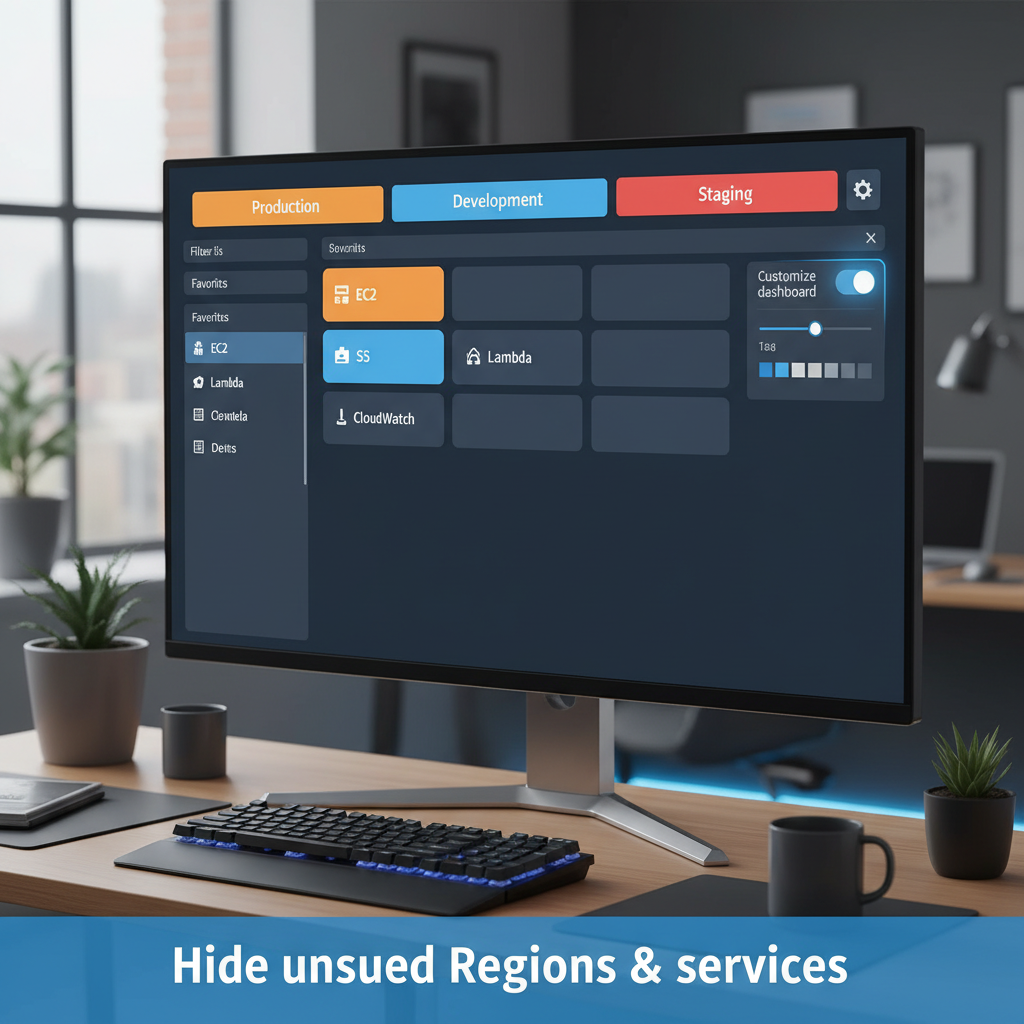
AWS Management Console Customization: Work Smarter, Not Harder
AWS just rolled out expanded customization options for the Management Console, and they're genuinely useful. You can now tailor your console experience to match how your team actually works—not the other way around.
What Changed
Back in August 2025, AWS introduced User Experience Customization (UXC). Today's update adds two powerful features: selective Region visibility and service filtering. Combined with account color coding, you get a console that shows only what matters to your team.
Account Color Coding
Assign colors to your AWS accounts for instant visual identification. Most teams use a simple scheme: orange for development, light blue for staging, red for production. This sounds small, but it prevents costly mistakes. You've probably clicked the wrong account tab at least once.
Setting it up takes seconds. Sign in, click your account name on the navigation bar, choose your color, and save. The color appears immediately in the nav bar, making account switching safer and faster.
Hide Unused Regions and Services
If your team only works in us-east-1 and us-west-2, why scroll through every Region? Same logic applies to services. If you don't use Redshift or AppFlow, they shouldn't clutter your service menu.
Go to settings, filter your visible Regions, select only the services you need, and save. The console remembers your choices. Your team sees a clean interface with only relevant options.
This isn't just cosmetic. Reducing visual noise cuts cognitive load. Your engineers spend less time hunting for the right service and more time solving actual problems.
Programmatic Control
You can also manage these settings via AWS CloudFormation or API calls. Use the new visibleServices and visibleRegions parameters to standardize console configuration across your organization.
Deploy a CloudFormation template once, and every account in your organization gets the same curated console experience. No manual clicking required.
Important Note: This Is UI Only
Hiding a service or Region from the console doesn't block access through the AWS CLI, SDKs, APIs, or Amazon Q Developer. This is purely about what appears in the browser console. Your actual permissions and access remain unchanged.
Why This Matters
Console clutter is a real productivity drain. Every unnecessary scroll, every extra click, every moment spent looking for the right Region adds up. When you multiply that across a team, the time waste is significant.
AWS Management Console customization removes friction. Your team gets a console that matches their workflow, not a one-size-fits-all interface designed for everyone.
If you manage multiple AWS accounts or lead a team, this feature is worth setting up today. The time investment is minimal, and the payoff is immediate.