IAM Identity Center now spans multiple AWS Regions
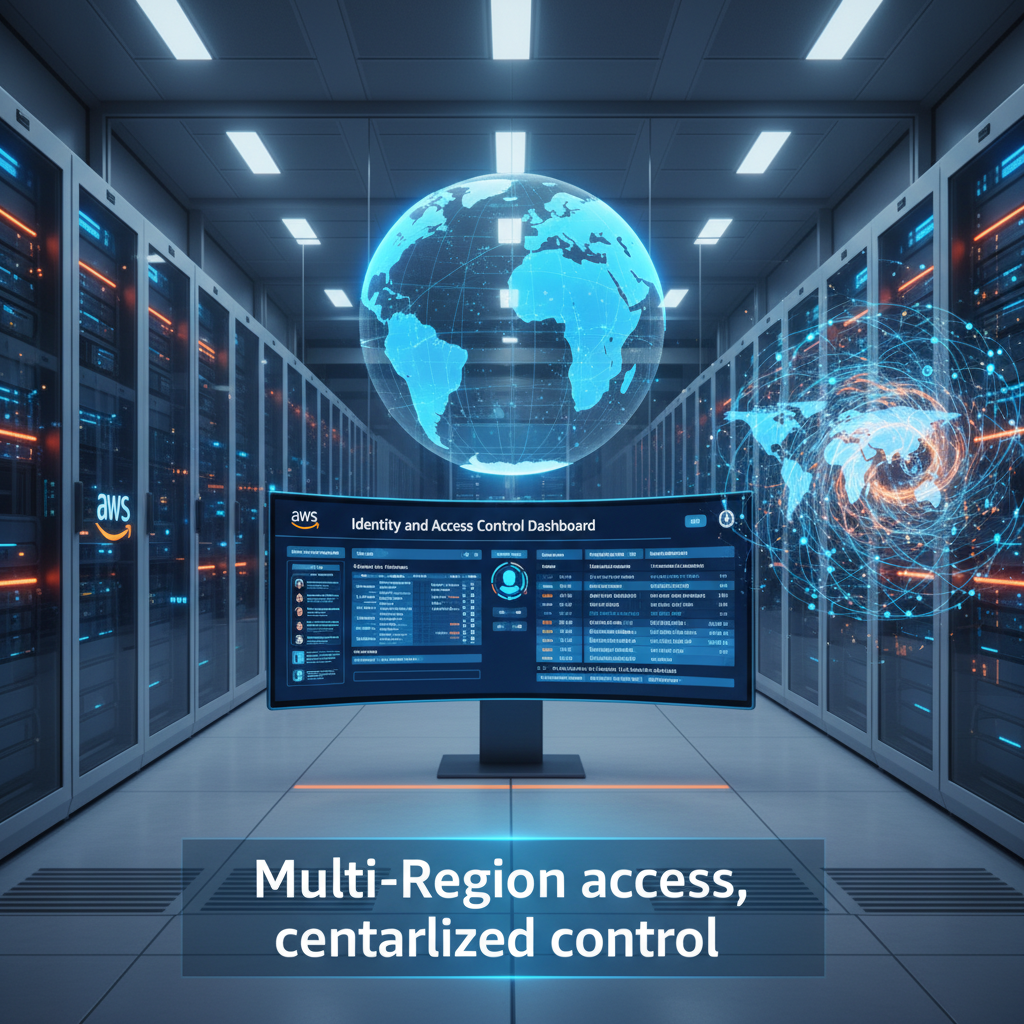
IAM Identity Center Goes Multi-Region 🌍
AWS has released multi-Region replication for IAM Identity Center, and it changes how organizations think about identity and access. Your workforce identities, permission sets, and managed applications can now replicate across Regions in real time.
What This Means
You can replicate your organization instance of IAM Identity Center from a primary Region to additional Regions. This isn't just about redundancy—it's about access continuity. When your workforce accesses AWS through the identity and access management portal in a secondary Region, they get local performance and the same permissions they have in the primary Region. If the primary Region experiences a service disruption, your teams can still authenticate and work through an active access portal in another Region.
The feature works with external identity providers like Microsoft Entra ID and Okta. Your users authenticate once in your IdP, then get redirected to the AWS access portal in their Region. You manage all configurations from the primary Region, so you keep centralized control while distributing access globally.
Why Multi-Region Matters
Data residency requirements are a fact of life in regulated industries. If your datasets live in a specific Region for compliance reasons, you can now deploy AWS managed applications in that same Region and give users local access to both identities and applications. This reduces latency, improves user experience, and keeps your data footprint clean.
Resiliency is another big win. In the unlikely event of an outage in your primary Region, your workforce doesn't lose access to AWS. They can use the AWS access portal in a secondary Region with their already-provisioned permissions. No manual intervention needed. No waiting for recovery. Just continuous access.
Getting Started
You'll need a few things in place. First, your IAM Identity Center must be an organization instance connected to an external IdP. Account instances and directory-based identity sources aren't supported yet. Second, you need a multi-Region customer managed AWS KMS key. AWS recommends multi-Region keys to keep key material consistent across Regions while maintaining independent infrastructure in each one.
The setup is straightforward. Go to the IAM Identity Center console in your primary Region, navigate to Settings, and select the Management tab. Add the Regions where you want to replicate. The initial replication duration depends on the size of your Identity Center instance. Once it's done, your users can access their accounts and applications in the new Region.
You'll need to add the new Region's ACS URL to your external IdP configuration so users get redirected correctly. Then create a bookmark application in your identity provider—think of it as a browser bookmark that points to the AWS access portal in the additional Region.
What You Can and Can't Do
The primary Region remains your control center. Workforce identity management, permission sets, external IdP configuration, and other settings are managed there. In additional Regions, you get a limited feature set. Most operations are read-only, except for application management and user session revocation. All actions are logged in AWS CloudTrail in the Region where they happen.
If your external IdP goes down, you can set up break-glass access for privileged users. This ensures critical team members can still reach AWS if identity services become unavailable.
Cost and Availability
The multi-Region replication feature itself is free. Standard AWS KMS charges apply for storing and using your customer managed keys. The feature is available now in all 17 enabled-by-default commercial AWS Regions.
This is a significant step forward for organizations managing distributed teams, strict compliance requirements, or both. It removes a major friction point: the tension between centralized identity management and distributed access. Your identity layer can now be as resilient and geographically distributed as the rest of your infrastructure.