S3 account regional namespaces now live
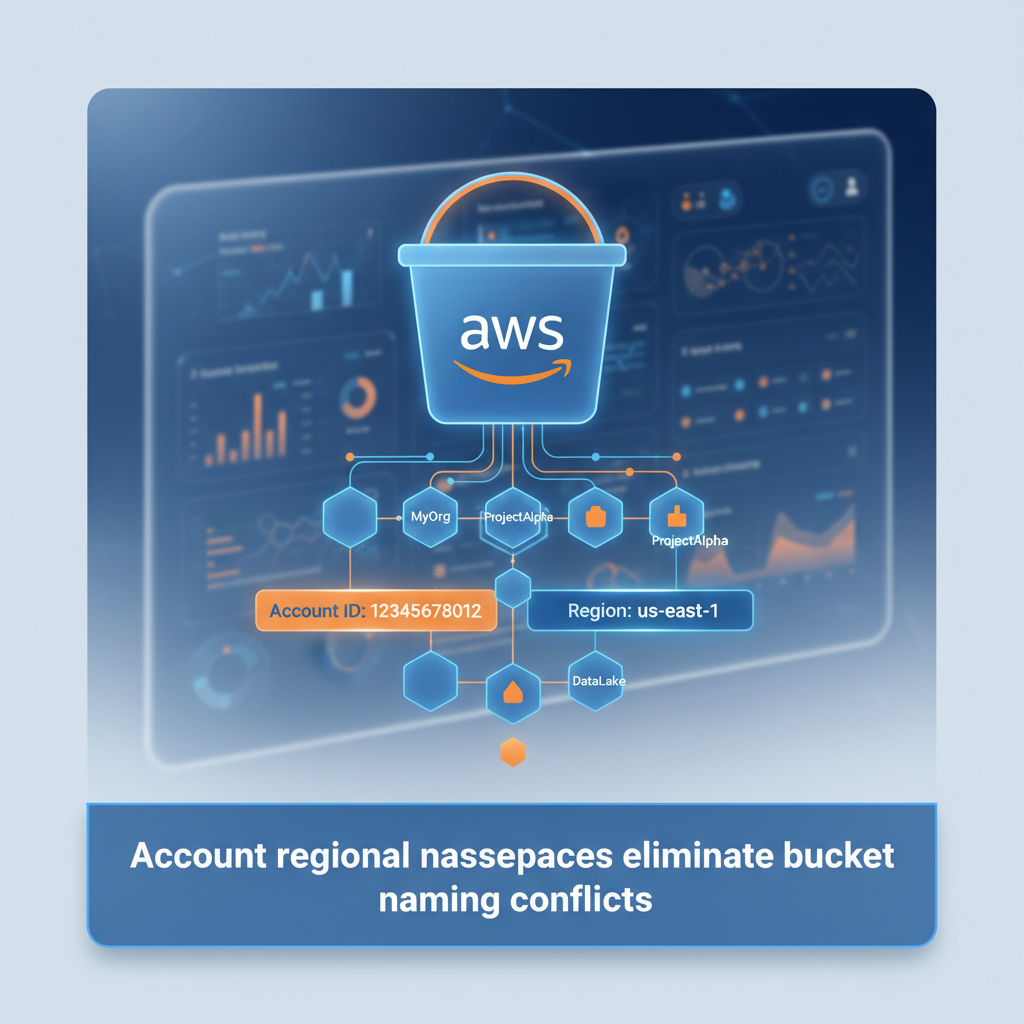
S3 Account Regional Namespaces: Simpler Bucket Management
AWS just shipped a feature that solves a real problem: bucket naming at scale. If you've ever fought over S3 bucket names or struggled with global uniqueness constraints, this one's for you.
The Problem
S3 bucket names are globally unique. That means if someone, anywhere, has already claimed "my-data-bucket," you can't use it. This gets messy fast when you're managing infrastructure across teams, accounts, and regions. You end up with awkward names like "my-data-bucket-prod-2024-v3-final-actual."
The Solution: Account Regional Namespaces
Today, S3 introduces account regional namespaces for general purpose buckets. Instead of fighting global uniqueness, you get a private namespace scoped to your AWS account and region. Your bucket names stay predictable. Your naming schemes stay clean.
Here's how it works: You specify a prefix, and AWS automatically appends your account ID and region. The format looks like this:
mybucket-123456789012-us-east-1-an
Only your account can use that suffix. If another AWS account tries to create a bucket with your account's suffix, the request gets rejected automatically. No collisions. No surprises.
Why This Matters
1. Predictable naming at scale
You can create buckets across multiple regions with confidence that your desired names will always be available. No more naming gymnastics.
2. Cleaner infrastructure as code
CloudFormation templates become simpler. Use the BucketNamePrefix property, and AWS handles the account ID and region automatically. Your templates stay readable.
3. Better security enforcement
Use IAM policies and AWS Organizations service control policies with the new s3:x-amz-bucket-namespace condition key. Enforce account regional namespace adoption across your entire organization.
4. Zero additional cost
This feature is available now in 37 AWS Regions, including China and GovCloud. No extra charges.
How to Get Started
Via S3 Console:
Choose "Create bucket" → Select "Account regional namespace" → Use any name unique to your account and region.
Via AWS CLI:aws s3api create-bucket --bucket mybucket-123456789012-us-east-1-an --bucket-namespace account-regional --region us-east-1
Via Boto3:
Use the CreateBucket API with the account-regional namespace parameter. The article includes a full Python example that automatically resolves your account ID using STS.
Via CloudFormation:
Update your templates with the BucketNamespace property set to "account-regional." CloudFormation pseudo parameters (AWS::AccountId and AWS::Region) handle the rest.
What You Should Know
Account regional namespaces are only for general purpose buckets. S3 table buckets, vector buckets, and directory buckets already have their own namespace models. You can't rename existing global buckets to use the new namespace, but you can create new buckets with this feature today.
The bucket name prefix and account regional suffix combined must be between 3 and 63 characters. All other S3 features work exactly as they do with global namespace buckets.
The Bigger Picture
This change reflects how teams actually build on AWS. Large organizations need predictable naming schemes. Multi-account strategies require isolation. Account regional namespaces give you both without the naming overhead. Your infrastructure becomes easier to reason about, easier to automate, and easier to govern.
If you manage S3 at any scale, this is worth trying. Head to the S3 console and create your first account regional namespace bucket today.