S3 Files: S3 buckets now work as native file systems
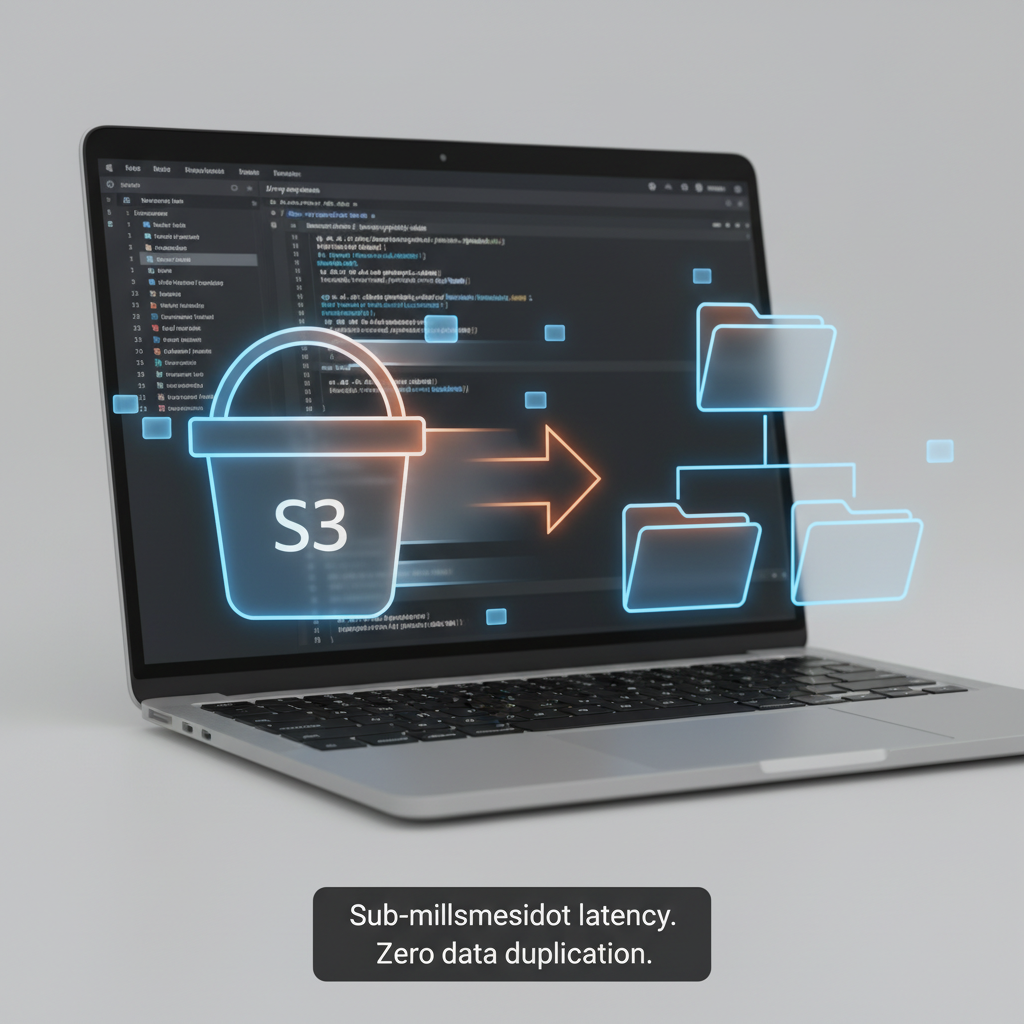
S3 Files: The End of the Storage Tradeoff
For over a decade, the rule was simple: object storage or file systems. Pick one. Amazon S3 gave you durability, cost efficiency, and global reach. But file systems gave you interactivity, shared access, and the ability to edit data in place. You couldn't have both.
Until now.
AWS just announced S3 Files—a new capability that makes your S3 buckets accessible as native file systems. This isn't a workaround or a hack. It's a fully-featured, high-performance file system interface built on Amazon EFS that delivers sub-millisecond latencies for active data.
What does this actually mean?
You can now mount any S3 bucket directly onto EC2 instances, ECS containers, EKS clusters, or Lambda functions using standard NFS v4.1+ commands. Your data lives in S3—durable, encrypted, backed by AWS's infrastructure. But you interact with it like a regular file system. Create files. Edit them. Delete them. All changes sync back to S3 automatically.
No more manual data movement. No more ETL jobs to bridge the gap between object storage and file systems. No more choosing between cost and capability.
Why this matters for your workloads
S3 Files works beautifully for any scenario where multiple compute resources need to access and modify shared data. Machine learning training pipelines that process large datasets. Agentic AI systems where agents collaborate through file-based tools and Python libraries. Production applications that already expect file system semantics. Data processing jobs that need consistent, fast access to objects.
The system is smart about performance too. Frequently accessed files and metadata get stored on high-performance local storage. Files that need sequential reads? They stream directly from S3 to maximize throughput. Byte-range reads only pull the data you actually need, cutting costs and latency.
Multiple compute resources can mount the same file system simultaneously with NFS close-to-open consistency. That means your clusters can share data without duplication. No more copying datasets across instances. No more syncing headaches.
How to get started
Setup is straightforward. Create an S3 file system pointing to your bucket. Create mount targets in your VPC. Mount the file system on your compute resource. Then use standard file commands—ls, cat, mkdir, echo—exactly like you would on any Linux system.
The AWS Management Console makes it simple. The AWS CLI gives you automation. Infrastructure as code tools let you version control your setup.
Changes to files in the file system appear in S3 within minutes. Changes in S3 appear in the file system within seconds (sometimes up to a minute). Synchronization is automatic and transparent.
Security and compliance
S3 Files integrates with IAM for access control. You can set permissions at the file system level and the object level. Data encrypts in transit using TLS 1.3 and at rest using S3 managed keys or customer-managed keys with AWS KMS. POSIX permissions work as expected, checking user and group IDs against metadata stored in your S3 bucket.
CloudWatch metrics let you monitor performance and updates. CloudTrail logs all management events.
When to use S3 Files vs other options
S3 Files shines when you need interactive, shared access to data in S3 through a file system interface. It's ideal for collaborative workloads where multiple resources mutate data and need sub-millisecond latency.
If you're migrating from on-premises NAS environments, Amazon FSx might be a better fit—it provides familiar features and specific file system capabilities. If you need GPU cluster storage or high-performance computing, FSx for Lustre is the answer.
But if your data lives in S3 and you want to treat it like a file system without sacrificing durability or cost efficiency, S3 Files is exactly what you've been waiting for.
Pricing
You pay for the data stored in your S3 file system, small file reads, all write operations, and S3 requests during synchronization. Details are on the Amazon S3 pricing page.
S3 Files is available today in all commercial AWS Regions.