Secure AI agents on AWS with three IAM principles
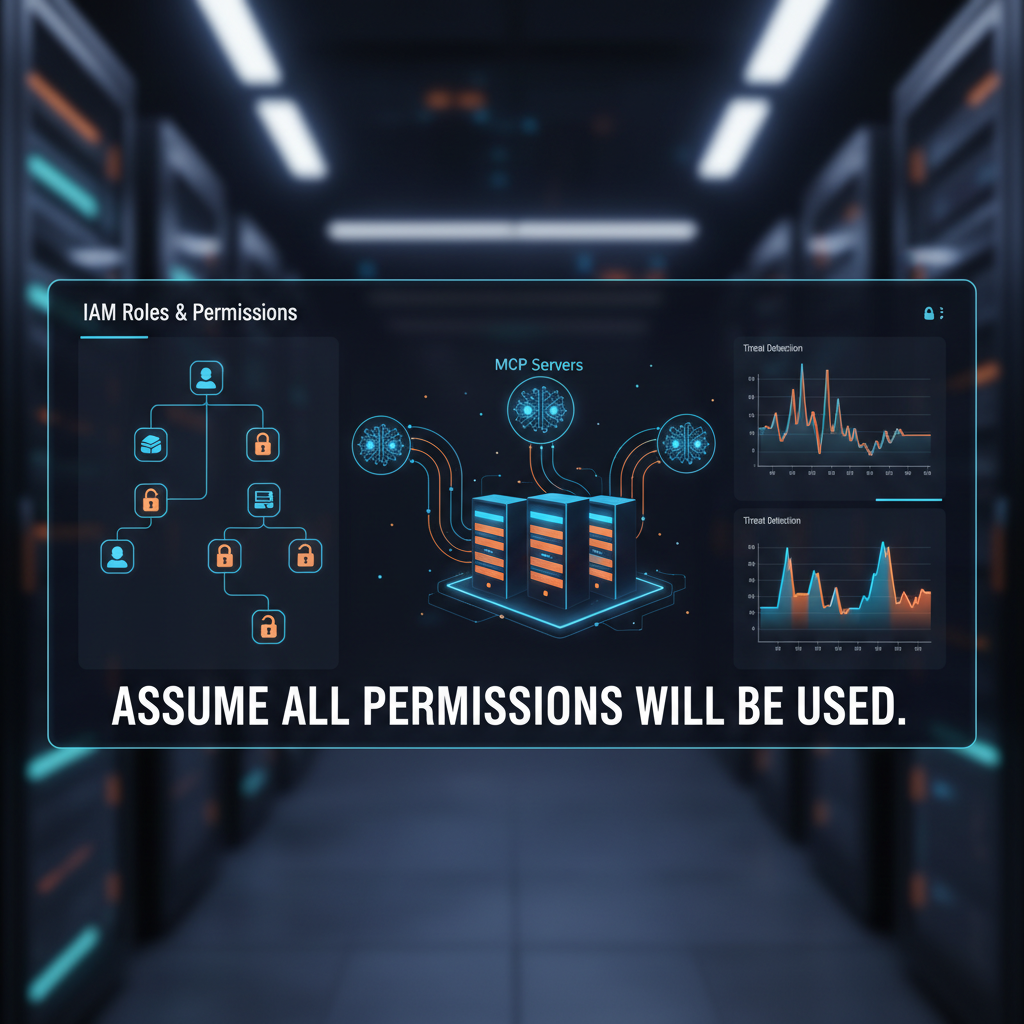
Three Security Principles for AI Agent Access on AWS
AI agents reason dynamically, making runtime decisions based on context and learned patterns. Unlike traditional applications with predictable code paths, agents can invoke any tool or access any data within their granted permissions. This creates a fundamental security challenge: how do you build deterministic IAM controls for non-deterministic systems?
We've published a comprehensive guide covering three security principles that form a defense-in-depth framework for securing agent access to AWS resources through the Model Context Protocol (MCP).
Principle 1: Assume All Granted Permissions Could Be Used
This is the foundation. Any permission you grant to an agent can be exercised, regardless of your intended use case. If an agent has s3:DeleteObject permission, you must assume it can delete any S3 object it accesses.
Agents operate at machine speed without human judgment. They can:
- Hallucinate and misinterpret requests, deleting production data by accident
- Fall victim to prompt injection attacks directing them to unintended actions
- Make logical errors that lead to unintended operations
- Trigger tool poisoning if dependencies are compromised
The speed and scale matter. An agent can make thousands of API calls in seconds, so misconfigured permissions scale quickly.
Instead of asking "what does the agent need to do?", ask "what is the acceptable scope of impact if the agent acts outside its intended use case?" Design permissions based on acceptable scope, not just intended functionality. If an agent needs to read S3 objects, grant s3:GetObject, not s3:*.
Principle 2: Provide Organizational Guidance on Role Usage
Without organizational controls, developers often configure agents with broad roles designed for human use: personal admin credentials, shared development roles, or even production roles. These roles carry permissions that assume human judgment.
Your enforcement approach depends on your level of control:
Code-controlled scenarios: When you build custom agents on Amazon Bedrock AgentCore, EC2, EKS, or manage custom MCP servers, you control the runtime code. Call AssumeRole with session policies scoped to each tool invocation. The execution role acts as a permission ceiling, and session policies restrict what each tool can do.
Configuration-bound scenarios: When using AI coding assistants like Kiro or Claude Code with off-the-shelf MCP servers, you configure credentials in mcp.json but cannot modify runtime behavior. Create agent-specific IAM roles with narrower permissions than human roles. Use IAM permission boundaries to enforce maximum permissions regardless of which role a developer selects. Permission boundaries are managed policies your security team attaches to roles to set the maximum permissions that role can grant.
Organizational scale: Tag agent roles consistently (Usage=Agent), enforce guardrails through service control policies (SCPs), and monitor CloudTrail for agent activity. Conduct quarterly reviews to remove unused permissions as agent capabilities evolve.
Principle 3: Differentiate AI-Driven from Human-Initiated Actions
This principle adds a resource-level layer on top of principle 2. You can allow humans to perform actions with broad permissions while restricting the same actions when performed by agents.
For AWS-managed MCP servers: AWS automatically injects IAM context keys (aws:ViaAWSMCPService and aws:CalledViaAWSMCP) into every downstream API call. Write IAM policies that check these keys. You can deny delete operations when accessed through an MCP server while allowing deletes for human-initiated actions on the same role. No configuration needed.
For self-managed MCP servers: Modify your MCP server code to call AWS STS AssumeRole with session tags attached. Write IAM policies that check for these tags using aws:PrincipalTag condition keys. This gives you full control over the tags and lets you implement custom authorization flows.
Both mechanisms generate CloudTrail logs showing which actions were AI-driven versus human-initiated, essential for compliance and security investigations.
Important Scope Boundary
Differentiation controls secure the MCP access path. AI coding assistants also have access to general-purpose tools like bash and shell execution. When an agent runs an AWS CLI command through bash, it bypasses MCP servers entirely. The context keys don't apply, and differentiation policies don't evaluate.
For these direct access paths, principles 1 and 2 are your controls. Least privilege on the underlying IAM role and organizational guardrails like permission boundaries and SCPs apply regardless of how the agent reaches AWS.
You can use agent frameworks like Amazon Bedrock AgentCore to restrict available tools, removing general-purpose execution capabilities for agents that interact with AWS exclusively through MCP servers. When you combine tool restriction with IAM controls, you close the gap between the MCP access path and the direct access path.
Implementation Path
Start with principle 1. Audit current agent permissions and default to read-only access where possible. Next, implement principle 2. For config-bound scenarios, establish permission boundaries and select agent-specific roles. For code-controlled scenarios, implement dynamic session policies scoped to each tool invocation. Finally, add principle 3 differentiation based on your MCP server type. Use automatic context keys with AWS-managed MCP servers, or configure session tags with self-managed servers.
By applying these three security principles, you can use AI agents while maintaining the governance and compliance controls your organization requires.