Security response automation on AWS: getting started
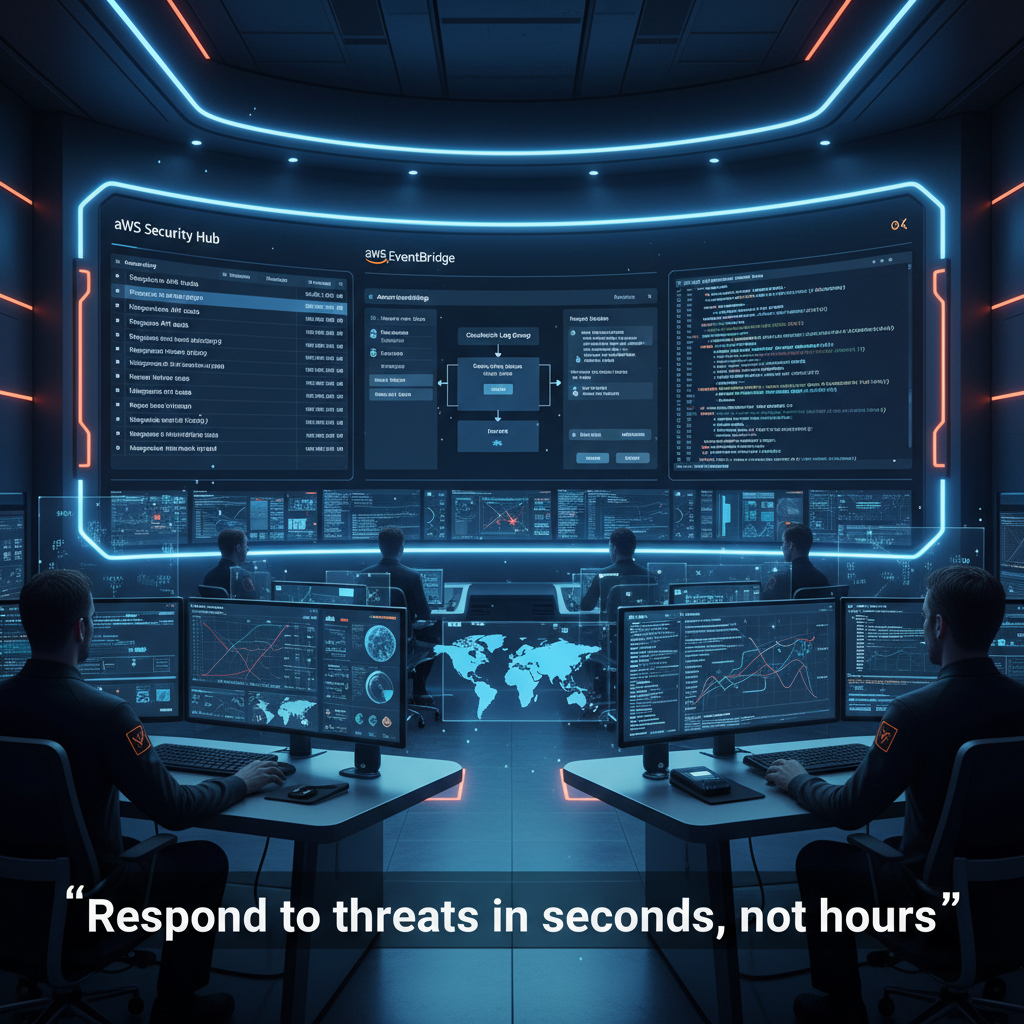
Security Response Automation on AWS: Your First Steps 🛡️
When unauthorized users tamper with logging to cover their tracks, you need to respond in seconds, not hours. That's where security response automation comes in.
Most teams rely on manual incident response—waiting for an on-call engineer to notice a problem, investigate, and fix it. But what if your infrastructure could detect and remediate threats automatically?
The Three-Stage Automated Remediation Flow
Monitor: AWS CloudTrail and AWS Config log every action in your account. Amazon EventBridge watches these logs for anomalies.
Detect: When a predefined condition appears—like CloudTrail logging being disabled—a finding is raised. Amazon GuardDuty enriches this data with threat intelligence. AWS Security Hub aggregates and correlates findings across your environment.
Respond: An AWS Lambda function triggers automatically, restarts the disabled trail, and notifies your security team via SNS. All within seconds.
Why This Matters
The NIST Cybersecurity Framework emphasizes rapid detection and response. Automation gives you the advantage: your systems react faster than any attacker can cover their tracks. A malicious actor might take minutes to disable logging and exfiltrate data. Your automation stops them in seconds.
This isn't theoretical. The article walks through a real example: detecting when CloudTrail logging is disabled and automatically re-enabling it. The same pattern applies to security group misconfigurations, credential rotation, S3 bucket access violations, and dozens of other scenarios.
Getting Started
AWS provides the Automated Security Response (ASR) library—a collection of ready-to-deploy CloudFormation templates and Lambda functions. These playbooks handle common remediation tasks: closing open security groups, rotating unused access keys, enforcing VPC flow logging, and blocking public S3 buckets.
You can also build custom automations. The article includes a step-by-step walkthrough using EventBridge rules, Lambda code snippets in Python, and Security Hub custom actions. Deploy to a test account first, verify the automation works, then roll it out to production.
The Real Cost Benefit
Manual incident response is expensive. Your security team spends hours investigating findings that automation could fix in seconds. As your AWS workloads scale, manual response becomes impossible. Automation scales with you.
EventBridge monitors your entire account continuously. Lambda functions are stateless and cost pennies. Security Hub correlates findings across multiple AWS security services—GuardDuty, Macie, Inspector—giving you a unified view of your threat landscape.
What You Can Automate Today
Start with your incident response runbooks. If your runbook says "disable the credential and notify the team," that can be automated. If it says "close the security group and log the change," automation handles it. EventBridge rules can trigger on any AWS event: API calls, configuration changes, security findings, or custom events from your own applications.
The article provides code examples showing how Lambda parses Security Hub findings in JSON format, extracts the affected resource ARN, performs the remediation, and sends notifications. You're not starting from scratch—AWS provides the templates and examples.
One Important Caveat
Automation can break things. Terminating an EC2 instance, revoking credentials, or modifying security groups can take services offline. The article stresses testing in non-production environments first. Some organizations prefer notification-only automation initially: "Alert me, then I'll decide." That's valid too. Security Hub custom actions let you manually trigger remediation for specific findings.
But once you've validated the automation, automatic remediation gives you the speed advantage your security team needs.